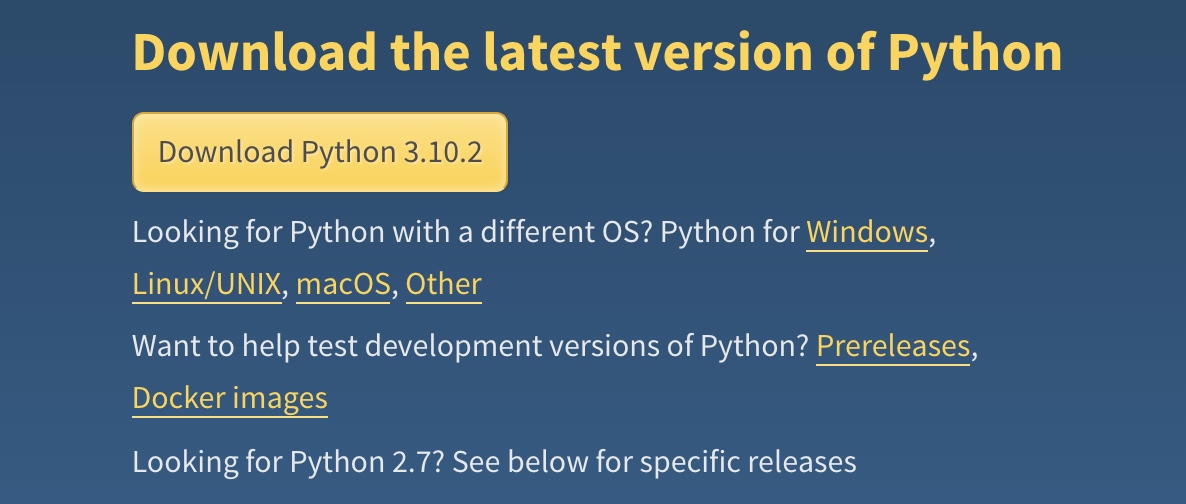
下载安装Python3.10
更新默认python到3.10
1
2
3
4
5
PATH="/Library/Frameworks/Python.framework/Versions/3.10/bin:${PATH}"
export PATH
export PATH="/usr/local/opt/python@3.10/bin:$PATH"
alias python="/Library/Frameworks/Python.framework/Versions/3.10/bin/python3.10"
alias pip="/Library/Frameworks/Python.framework/Versions/3.10/bin/pip3.10"
执行source ~/.bash_profile使其生效
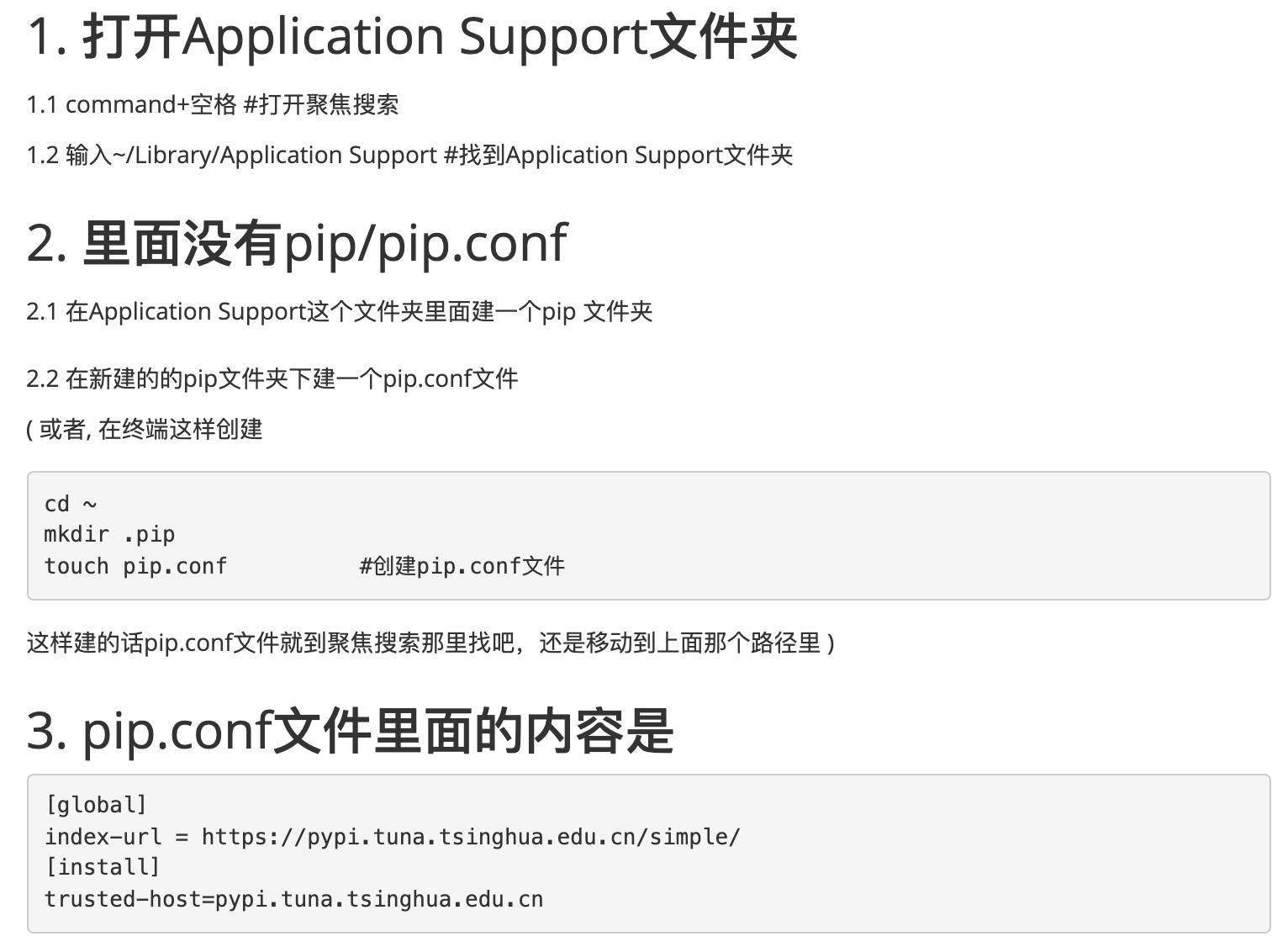
更新pip的源
cd ~/Library/Application Support/pip
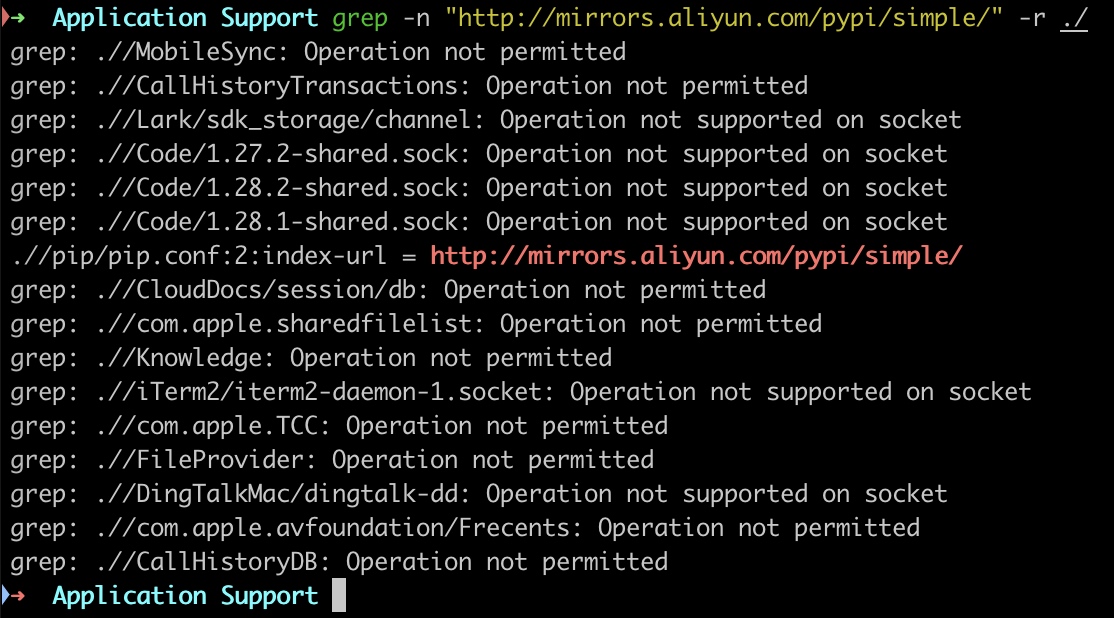
小技巧:如何在MAC下查找特定字符串
- 按照网上的配置,修改~/.pip/pip.conf不生效(因为以前配置过清华的源,但是现在不生效了),于是要找到原来的配置在哪儿,再更新成新的源。
grep -n “http://mirrors.aliyun.com/pypi/simple/” -r ./
番外:~/.bash_profile和~/.zshrc
很多mac使用了zsh,不会加载~/.bash_profile,而是去加载~/.zshrc,你需要在~/.zshrc中添加一行source ~/.bash_profile
- https://www.cnblogs.com/yajunLi/p/14499966.html
- https://www.runoob.com/w3cnote/pip-cn-mirror.html
- https://blog.csdn.net/u011520181/article/details/89201154
- https://www.cxyzjd.com/article/qq_41770825/90035650
- https://blog.csdn.net/qq_36807551/article/details/105995628